

Order Timeline
Understand every stage of a Makeity order, from accepting the project and receiving the product to uploading content, completing revisions, and receiving payment.
How the Order Timeline Works
Every order on Makeity follows a clear process from the moment you are selected until the project is completed and your payment is scheduled.
- Accept the order and review the instructions
- Wait for the product or required materials
- Create and upload the requested content
- Complete revisions if needed
- Receive final approval
- Wait for your scheduled payout
Accept the Order
When a business selects you for a project, you will receive a notification inside Makeity. Open the order, review the details and confirm that you are ready to participate.
After accepting, the project will move to your active orders and the next stage of the process will begin.
Review the Order Requirements
Before the project moves forward, carefully review all of the order information. Check:
- The product or service being promoted
- The required video length and format
- The content brief and key talking points
- The expected delivery deadline
- Whether a physical product will be shipped
- Your creator payment
- Any additional instructions from the business
Wait for the Product or Materials
If the project includes a physical product, the business will arrange shipment to the address saved in your creator profile.
If the project is for a digital product, service or app, the business may provide access details or additional materials through Makeity.
Confirm Product Arrival
Once the package or required materials arrive, open the project in your dashboard and confirm that you received them.
Timeline example
Day 2 – The business ships the product.
Day 5 – The product arrives and you confirm delivery.
Day 5 – Your content creation timeline begins.
Create and Upload the Content
Follow the project brief carefully and create the requested content before the deadline shown in your dashboard.
- Use clear video and audio
- Follow the requested format and video length
- Include all required talking points
- Show the product clearly when required
- Upload the correct file before the deadline
Business Review and Revisions
After you upload the content, the business will review your submission. The business may approve it or request reasonable revisions based on the original brief.
What Happens After Approval?
Once the business approves your final content, the project will be marked as completed.
After approval:
- The completed order will appear in your order history
- No additional changes should be required unless Makeity Support contacts you
- Your creator earnings will be recorded
- Your payment will be included in the next applicable payout cycle
- You can continue applying for or accepting new projects
Tips to Keep Your Order on Schedule
- Review the full brief immediately after accepting the order
- Make sure your shipping address is always up to date
- Confirm product arrival as soon as the package is delivered
- Plan your filming before the deadline
- Upload your content early whenever possible
- Respond quickly to revision requests and notifications
- Contact Support immediately if an issue may cause a delay
⚠️ Important
Missing deadlines, ignoring revision requests or repeatedly failing to complete accepted orders may affect your creator account and your ability to participate in future projects on Makeity.
Frequently Asked Questions
When does my content deadline begin?
For projects involving a physical product, the content timeline generally begins after the product has arrived and you confirm delivery. Always follow the deadline displayed in your order dashboard.
What should I do if the product does not arrive?
Check the shipping information inside the order and contact the business through Makeity. If the issue is not resolved, contact Makeity Support.
Can the business request revisions?
Yes. The business may request reasonable revisions that are related to the original project brief and requirements.
When is an order considered completed?
An order is completed after the business approves the final submitted content and the project status is updated inside Makeity.
When will I receive my payment?
Your approved creator earnings will be processed according to Makeity’s payout schedule. The applicable payment will appear in your payout records after the order is completed.
Create From Anywhere
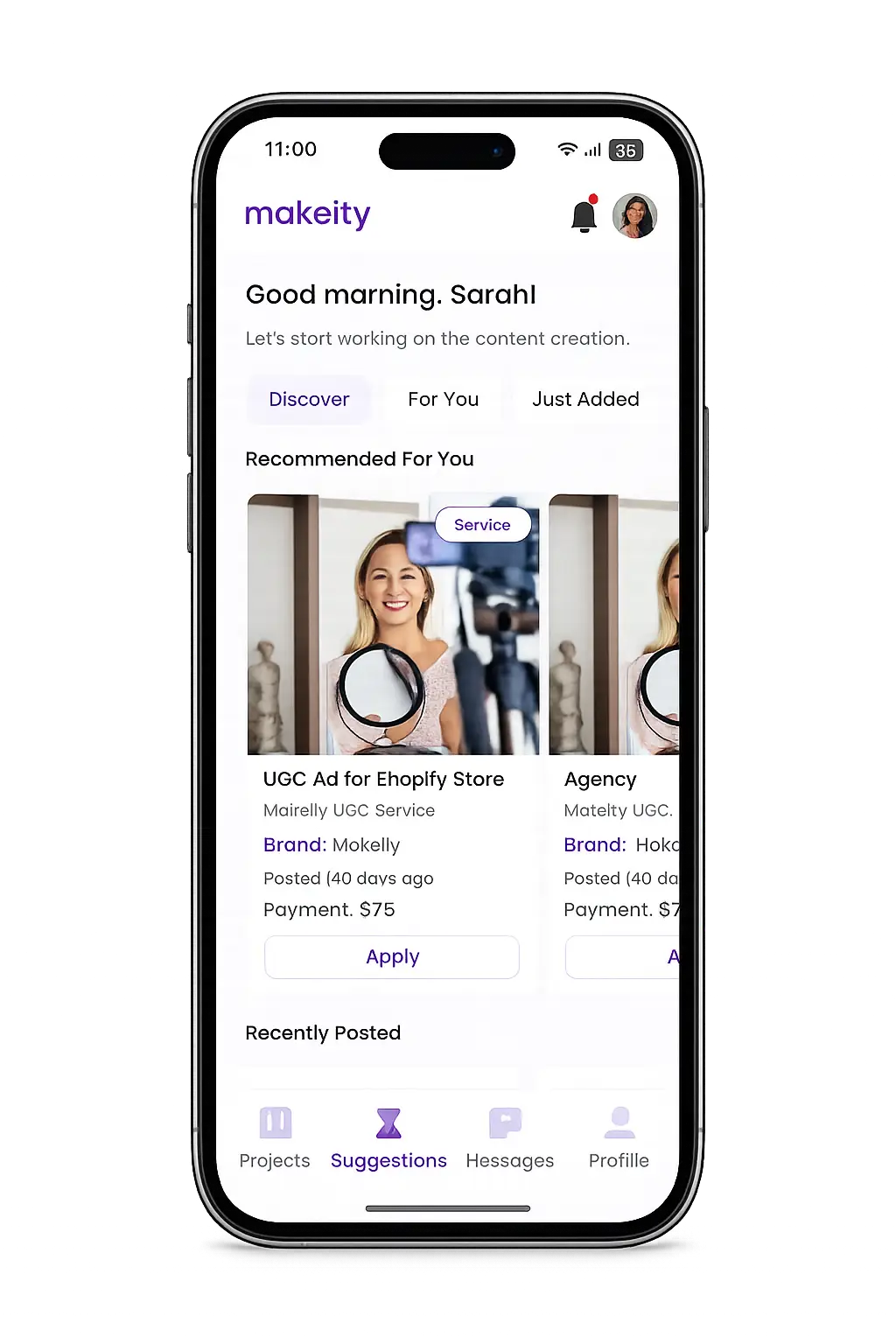
Manage your creator account from the Makeity app
Discover new projects, communicate with businesses, upload content, track your orders and manage everything directly from your phone.


Still need help with your account or project?
Contact the Makeity support team and include your account email, order number and a clear explanation of the issue.

Helping brands create authentic content through trusted creators worldwide.
Makeity connects businesses with content creators around the world for authentic, high-quality user-generated content.
Creator Support
Makeity
Legal
© 2026 Makeity®. All rights reserved.
We use cookies to ensure the platform works properly, analyze usage, and improve your experience. You’re always in control — accept, reject non-essential cookies, or manage your preferences.