How can we help you create?
Find answers about your creator profile, project invitations, content delivery, revisions, payments and everything you need to succeed on Makeity.
Start as a Creator
Complete your profile, verify your account, and get ready to apply for your first project.
Manage Your Orders
Learn how invitations, shipping, project timelines, revisions, and deliveries work.
Payments & Payouts
Learn how creator payouts work, when you’ll get paid, and which documents are required.
Browse help by topic
Select a category to quickly find the information you need.
Your path to becoming a successful Makeity creator
A complete and professional account helps businesses understand your style and increases your chances of being selected.
Complete your profile
Add your personal details, languages, location and creator information.
Upload a real UGC sample
Upload a short video that clearly demonstrates your presentation and filming skills.
Add shipping and payment details
Make sure your address and payout information are complete and accurate.
Apply for projects
Explore relevant opportunities and submit offers for projects that match your profile.
Build your profile. Get selected. Create great content.
Makeity connects content creators with businesses looking for authentic and engaging UGC.
Quick Answers for Makeity Creators
Find answers to common questions about creator accounts, projects, payments, shipping, deadlines, and platform safety.
How do I become a creator on Makeity?
Create a creator account, complete your profile, upload an original sample video, and submit your account for review. After approval, you can apply for available projects and receive orders through your creator dashboard.
Why is my creator account still under review?
Your account may still be under review because your profile is incomplete, your sample video cannot be played, or additional verification is required. Make sure your profile information and uploaded sample are complete and accessible.
Why was my account rejected?
Accounts may be rejected when the sample video is missing, deleted, inaccessible, created with stock or AI content, or does not clearly demonstrate original creator content. You may upload a valid new sample and submit your account for another review.
How do I apply for a project?
Open an available project in your dashboard, review the requirements, and select Submit Proposal. Introduce yourself and explain why your experience and content style are a good fit for the project.
What should I do after receiving an order?
Review the order details carefully and accept the order from your dashboard. Do not begin work or arrange product shipping before the order is officially confirmed inside Makeity.
How does product shipping work?
For physical-product projects, the business ships the product to the address saved in your creator profile after the order is accepted. Confirm that your shipping address is complete and accurate before accepting an order.
How long do I have to submit the content?
The standard delivery period is five business days unless the order states otherwise. For physical products, the production period begins after the product has been received. Always review the deadline shown inside your order.
What happens if I miss a deadline?
Missing a deadline may affect your account standing, ratings, future project opportunities, and Premium Creator eligibility. Repeated missed deadlines or failure to respond may lead to account suspension.
When are creator payouts processed?
Makeity processes eligible creator payouts on the 15th and 30th of each month. Your content must be approved, and all required payment and verification documents must be completed before the payout can be processed.
How do I receive my creator payout?
Creator payouts are sent through PayPal. Your PayPal account must belong to you, use the correct email address, and be verified before your first payout.
Which documents are required before receiving a payout?
You must provide a government-issued ID, PayPal ownership verification, and the correct tax form. U.S. persons must submit Form W-9. Non-U.S. individuals must submit Form W-8BEN.
Can I contact a business outside Makeity?
No. All project communication must remain inside Makeity. Sharing or requesting WhatsApp numbers, Telegram usernames, email addresses, Instagram accounts, or other external contact details may be treated as an attempt to bypass the platform.
Can I accept payment directly from a business?
No. Payments related to Makeity projects must be processed through Makeity. Requesting or accepting an external payment may lead to suspension or a permanent lifetime account ban.
How do I contact Makeity Creator Support?
Submit a support request through the Makeity Creator Support form . Include your registered email address, order or project ID when relevant, a clear description of the issue, and a screenshot if possible.
Still Need Help?
Send your question directly to the Makeity Creator Support team. Providing complete information and a relevant screenshot can help us resolve your request faster.
Contact Creator SupportCreate From Anywhere
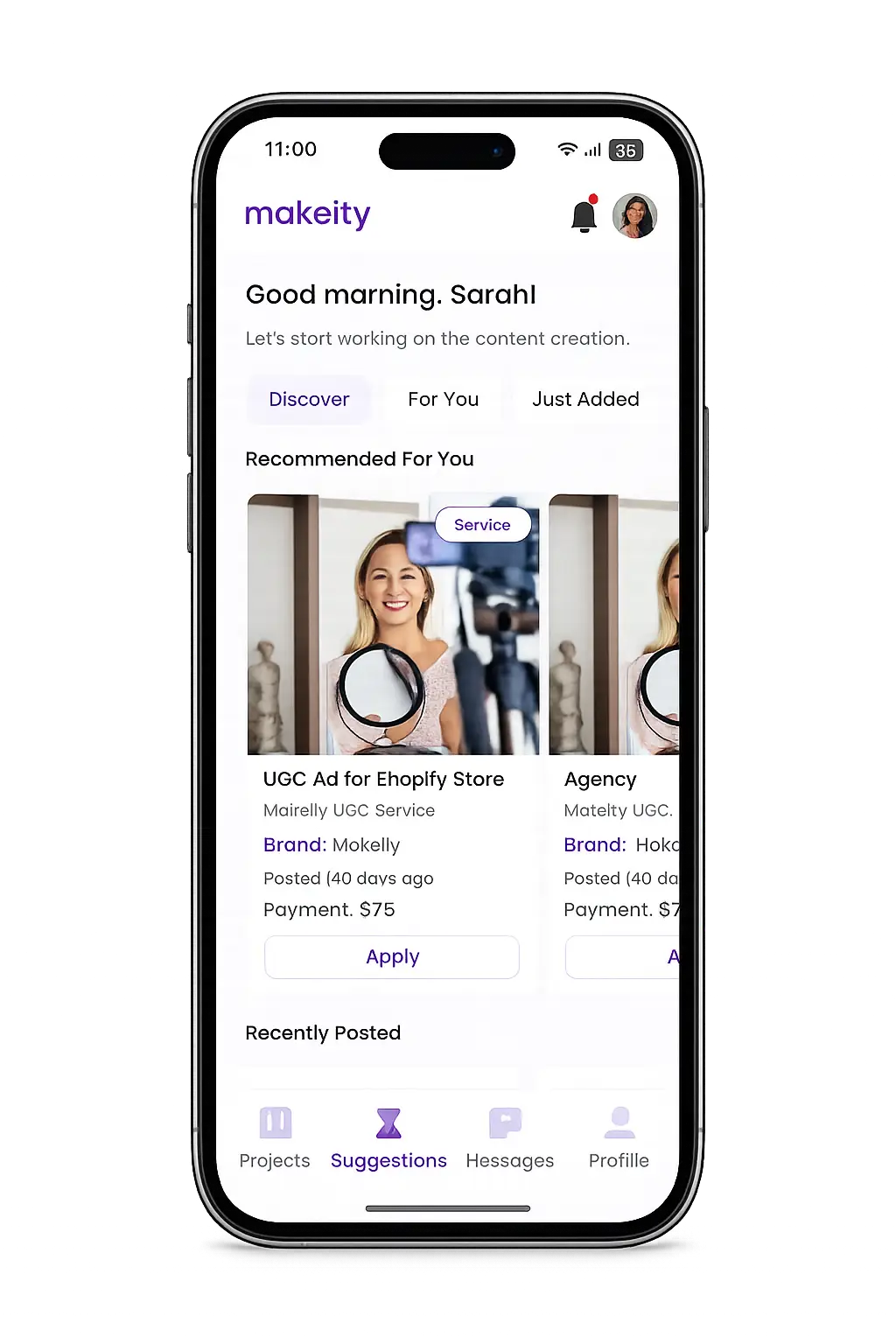
Manage your creator account from the Makeity app
Discover new projects, communicate with businesses, upload content, track your orders and manage everything directly from your phone.