

How to complete your creator profile
Learn how to complete your Makeity creator profile and prepare your account for approval and new project opportunities.
How to Complete Your Creator Profile
Your creator profile is your professional page on Makeity. Businesses use it to learn about you, view your UGC samples, and decide whether you are a good match for their projects.
A complete and professional profile can improve your chances of being approved, receiving invitations, and being selected for paid projects.
- Add accurate personal information
- Upload a clear profile photo and cover image
- Add a valid UGC sample video
- Describe your experience and content style
- Complete your shipping address
- Add your payment information
- Submit your profile for review
Creator Profile Checklist
Complete Your Personal Information
Start by adding accurate information about yourself. This information helps Makeity display suitable projects and helps businesses understand whether you match their campaign requirements.
Complete all available fields, including:
- Your full name
- Your country and city
- Your date of birth, if requested
- Your gender, if requested
- The languages you speak
- Your telephone number
Upload a Clear Profile Photo
Your profile photo is one of the first things businesses see when reviewing your creator profile.
For the best result:
- Use a clear, recent photo of yourself
- Make sure your face is easy to see
- Use good natural or studio lighting
- Choose a clean and simple background
- Avoid heavy filters or effects
- Avoid group photos
- Avoid sunglasses that hide your face
Add a Cover Image
Your cover image gives your creator profile a more professional and complete appearance.
You can use:
- A clean lifestyle photo
- A professional image of yourself creating content
- A simple image that represents your content style
- A high-quality photo related to your main niche
Upload a Valid UGC Sample Video
Your UGC sample is one of the most important parts of your profile. Makeity reviews it to evaluate your content quality, presentation, audio, lighting, and ability to create authentic UGC.
Your sample should:
- Show a real UGC-style video created by you
- Clearly show your face when appropriate
- Include clear and understandable audio
- Use good lighting and stable framing
- Demonstrate a product, service, or realistic promotion
- Show your natural speaking and presentation style
- Be uploaded in a supported video format
Avoid uploading:
- AI-generated videos
- Stock footage
- Photos instead of videos
- Long personal videos unrelated to UGC
- Videos created entirely by another person
- Videos with unclear or missing audio
- Content containing copyrighted material without permission
Tell Businesses About Yourself
Use your profile description to explain who you are and what type of content you create.
A strong description may include:
- Your UGC or content-creation experience
- Your preferred content categories
- The languages you can create content in
- Your content style and personality
- Your filming or editing skills
- The types of businesses you enjoy working with
Profile description example
Select Your Niches and Content Preferences
Choose the categories that best match your experience and the type of content you are comfortable creating.
Examples may include:
- Beauty and skincare
- Fashion
- Health and wellness
- Food and beverages
- Technology and apps
- Home and lifestyle
- Parenting and family
- Fitness and sports
- Travel
- Business and services
Complete Your Shipping Address
Businesses use your shipping address to send physical products for projects you accept.
Your shipping information should include:
- Your full legal name
- Street name and building number
- Apartment or unit number, if applicable
- City
- Postal or ZIP code
- Country
- A telephone number for the courier
Add Your Payment Information
Add an available payment method so Makeity can transfer your creator earnings after an order is completed and approved.
Depending on your country, available methods may include:
- PayPal
- Bank transfer
- Other payment options shown in your account
Make sure:
- The payment details belong to you
- Your name is entered correctly
- Your email or bank information is accurate
- Your payment account can receive transfers
Review Your Profile Before Submitting
Before sending your profile for approval, review every section and confirm that your information is complete and accurate.
Check that:
- Your personal information is correct
- Your profile photo is clear
- Your cover image appears correctly
- Your UGC sample video plays successfully
- Your profile description is complete
- Your languages and niches are accurate
- Your shipping address is complete
- Your payment details are correct
Submit Your Profile for Review
Once all required sections are complete, submit your profile for Makeity's review.
During the review, Makeity may check:
- Your profile information
- Your profile and cover images
- Your UGC sample video
- Your content quality and authenticity
- Whether your profile meets creator requirements
What Happens After You Submit?
Your profile will remain under review until the Makeity team completes the approval process.
Your profile may be:
- Approved: Your profile becomes visible and you can begin receiving opportunities.
- Awaiting additional information: You may need to complete a missing section or replace a file.
- Rejected: Your profile or sample does not currently meet Makeity's creator requirements.
What Happens After Approval?
Once your creator profile is approved, you can begin using Makeity's creator features.
You may be able to:
- Become visible to businesses
- Browse projects available in your country
- Submit proposals for suitable opportunities
- Receive direct project invitations
- Accept paid orders
- Create content for businesses
- Build your creator rating and portfolio
Tips for a Strong Creator Profile
- Use a clear and friendly profile photo
- Upload a high-quality and authentic UGC sample
- Keep your profile description concise and specific
- Select only relevant niches and languages
- Use accurate shipping and payment information
- Update your sample videos when your skills improve
- Keep your profile active and up to date
- Review your profile regularly for missing information
- Do not include external contact or payment details
⚠️ Important
Do not upload fake information, AI-generated creator samples, stock footage, another person's content, or copyrighted videos without permission. Invalid or misleading profile information may result in rejection, suspension, or removal from Makeity.
Frequently Asked Questions
Why does my profile still show as incomplete?
One or more required sections may be missing. Review your personal information, profile photo, cover image, UGC sample, shipping address, and payment information.
Can I edit my profile after submitting it?
Some information may be editable, but changing important details or replacing your UGC sample may return your profile to review.
Can I edit my profile after approval?
Yes. You should keep your profile updated. However, changing or deleting your sample video may require your profile to be reviewed again.
Why was my UGC sample rejected?
A sample may be rejected if it is not a real UGC video, does not clearly demonstrate your content skills, contains poor audio or video quality, uses AI or stock footage, or does not meet Makeity's creator requirements.
Do I need professional equipment?
No. A modern smartphone is usually enough. Focus on good lighting, clear audio, stable framing, and natural presentation.
Can I upload a video from Instagram or TikTok?
You may upload content you created yourself if it clearly represents your UGC skills and you have permission to use all included material. Avoid videos with platform watermarks when possible.
Can I upload a photo instead of a sample video?
No. Your creator sample should be a valid video that demonstrates your ability to create UGC content.
Can I upload more than one sample?
The available number of samples depends on the options currently shown in your creator profile. Upload your strongest and most relevant work.
How long does profile approval take?
Approval times may vary depending on the number of profiles waiting for review and whether your information is complete. Check your account for updates or requests from Makeity.
Why is my profile still under review?
Your profile may still be waiting for manual review, or the team may need additional time to check your sample video and profile information.
Can I change my shipping address later?
Yes. Update your address before accepting a project that requires shipping. Changing it after a product has been shipped may not affect the active delivery.
Can I change my payment details?
Yes. Update your payment details before your next payout and verify that all information is accurate.
What happens if I delete my UGC sample?
Removing your sample may make your profile incomplete or return your account to review. Upload a new valid sample as soon as possible.
When will businesses be able to see my profile?
Businesses can generally view your creator profile after it has been approved and remains complete and active.
Complete Your Creator Profile
Open Makeity, review each profile section, and make sure your information, UGC sample, shipping address, and payment details are complete.
Create From Anywhere
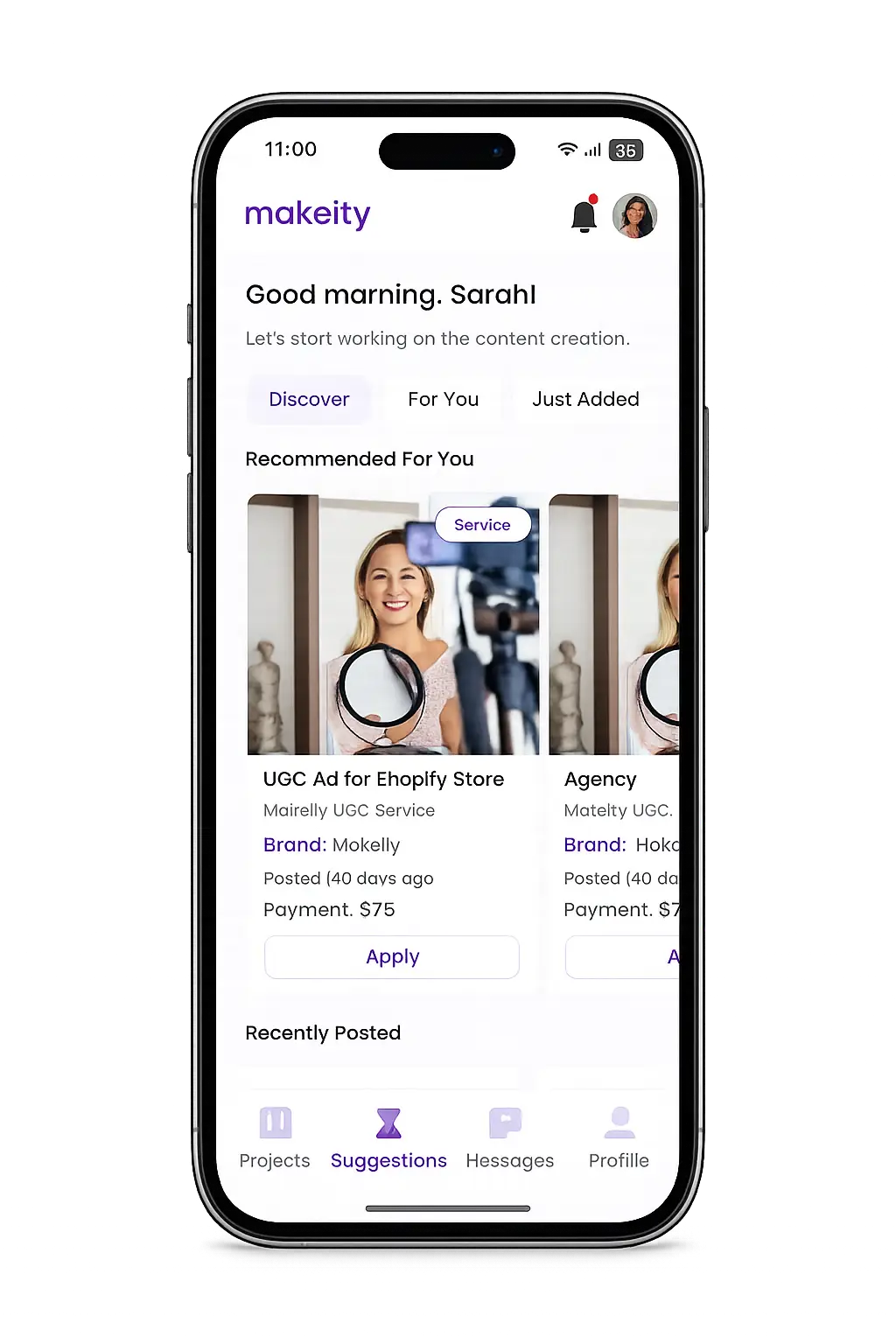
Manage your creator account from the Makeity app
Discover new projects, communicate with businesses, upload content, track your orders and manage everything directly from your phone.


Still need help with your account or project?
Contact the Makeity support team and include your account email, order number and a clear explanation of the issue.

© 2026 Makeity®. All rights reserved.