
Create From Anywhere
Manage your creator account from the Makeity app
Discover new projects, communicate with businesses, upload content, track your orders and manage everything directly from your phone.
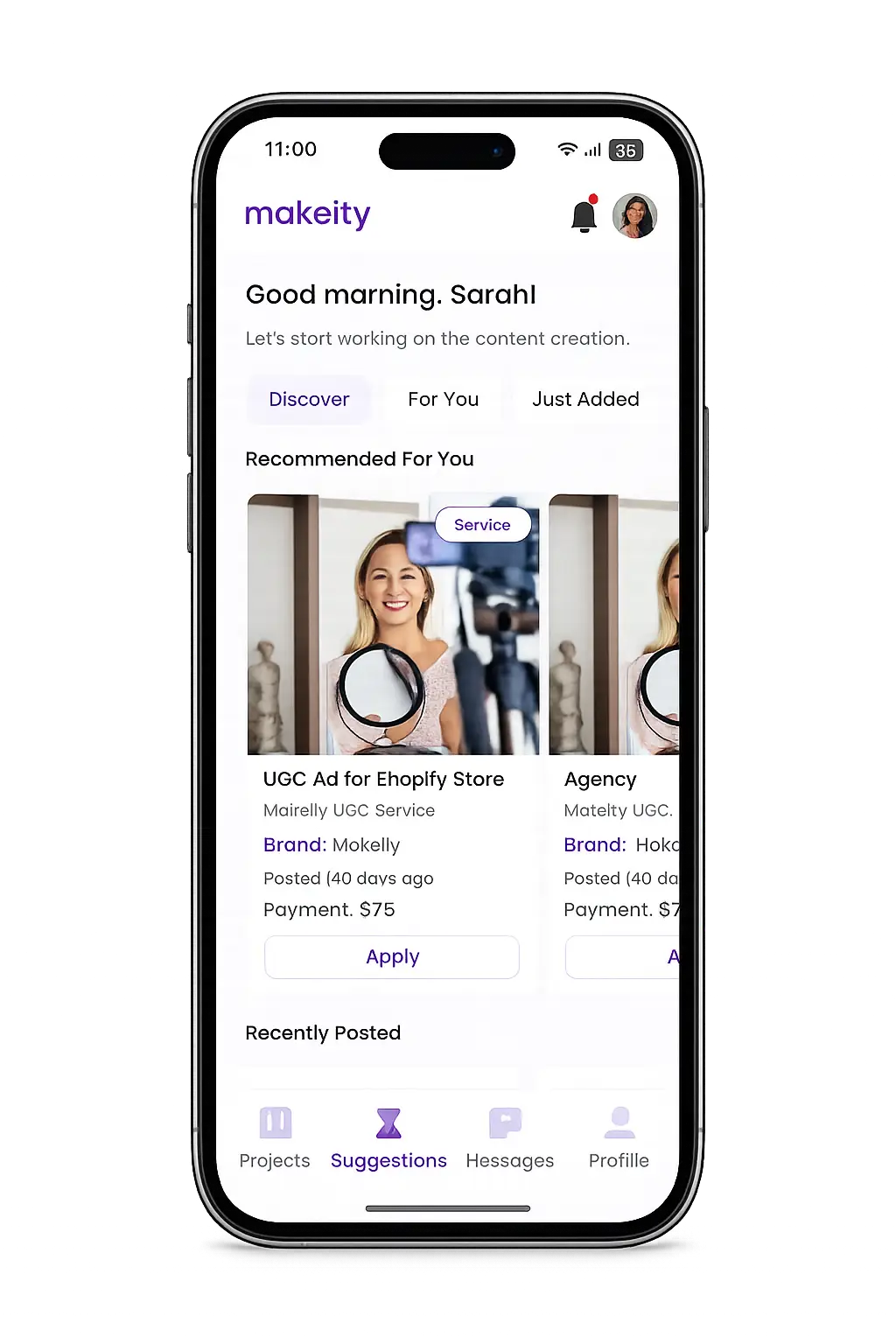



Learn how to review, accept, or decline an order and start working with businesses on Makeity.
Congratulations! 🎉 If a business selects you for a project, you'll receive a notification inside the Makeity app. Before accepting the order, carefully review all project details to make sure you can complete it successfully.
Log in to the Makeity app and open the Orders section. You'll see any new orders waiting for your response.
Before accepting, carefully read everything included in the order.
If the project includes a physical product, verify that your shipping address is correct before accepting.
The business will use this address to send the product.
If everything looks correct, click Accept Order. If you cannot complete the project, click Decline so the business can choose another creator.
After accepting, the project becomes active. You can communicate with the business, receive the product (if needed), and begin creating your content.
Once you accept an order, the business expects you to complete it. Repeated cancellations or missed deadlines may affect your creator account.
Yes. If you cannot complete the project, decline it as soon as possible so the business can select another creator.
Accepted orders should be completed. If an emergency occurs, contact the business through Makeity immediately.
The project becomes active, and you'll receive any required materials or shipping information so you can begin working.
Orders should be accepted as soon as possible. Delays may cause the business to cancel the invitation and choose another creator.
Open your Makeity account, review your pending orders, and accept projects you're excited to create.
Create From Anywhere
Discover new projects, communicate with businesses, upload content, track your orders and manage everything directly from your phone.
Contact the Makeity support team and include your account email, order number and a clear explanation of the issue.
Makeity connects businesses with content creators around the world for authentic, high-quality user-generated content.
© 2026 Makeity®. All rights reserved.
We use cookies to ensure the platform works properly, analyze usage, and improve your experience. You’re always in control — accept, reject non-essential cookies, or manage your preferences.