

Can I Accept Payment Outside Makeity?
Learn why creators must not accept payments outside Makeity, what counts as platform bypassing, and why violations may lead to permanent account suspension.
Can I Accept Payment Outside Makeity?
No. All payments related to a project that begins through Makeity must be processed through Makeity.
Creators must not ask businesses to send payment directly by PayPal, bank transfer, Wise, Revolut, cash, cryptocurrency, payment link, or any other payment method outside the platform.
🚫 External Payments May Result in a Permanent Ban
Requesting, accepting, or attempting to arrange payment outside Makeity is considered platform bypassing. It may result in the permanent suspension of your creator account and the loss of access to Makeity.
All Project Payments Must Stay on Makeity
To protect both creators and businesses, every financial part of a Makeity project must remain inside the platform.
- The business pays Makeity through the official order
- The project and payment remain documented
- The creator completes and submits the required content
- The business reviews the submitted deliverables
- Makeity processes the creator payout according to the order terms
- Any payment issue can be reviewed by Makeity Support
What Counts as an External Payment?
Any payment connected to a Makeity business, project, invitation, proposal, or order that is arranged outside the platform may be considered an external payment.
Sharing your PayPal email or payment link so the business can pay you directly.
Sending bank details, an IBAN, account number, or wire instructions to the business.
Asking the business to transfer money through Wise, Revolut, or a similar service.
Accepting cash or arranging an in-person payment for a Makeity project.
Sharing a crypto wallet address or accepting payment through a digital currency.
Sending a checkout page, invoice link, payment request, or external payment form.
Sending the business an invoice outside Makeity for work connected to a Makeity project.
Canceling or avoiding the Makeity order and agreeing to a private payment instead.
Do Not Share Payment Details
Do not send personal payment information through messages, proposals, profile descriptions, files, video captions, or any other section of Makeity.
This includes:
- Your PayPal email address
- Your bank account details
- Your IBAN or SWIFT information
- Your Wise or Revolut details
- Your cryptocurrency wallet address
- Your personal payment link
- Your invoice or checkout page
- A QR code linked to an external payment method
Do Not Offer a Lower Price Outside Makeity
You must not ask a business to cancel or avoid a Makeity order in exchange for a lower direct price.
Examples of prohibited offers include:
- “I can do this cheaper if you pay me directly.”
- “Cancel the order and send the payment to PayPal.”
- “We can avoid the platform fee by working privately.”
- “Send a deposit now and pay the rest after delivery.”
- “Contact me outside Makeity for future projects.”
Platform Bypassing
Offering an external discount, private invoice, deposit, or direct payment is considered an attempt to bypass Makeity and may lead to a permanent account ban.
Do Not Accept a Deposit Outside Makeity
A deposit is still a payment. You must not accept any amount outside Makeity before, during, or after a project.
This includes:
- A deposit to reserve your availability
- An advance payment before filming
- A partial payment for purchasing materials
- A bonus sent directly by the business
- A payment for additional content arranged privately
What If the Business Offers Direct Payment?
Do not accept the payment or send your payment details. Politely explain that all payments must remain on Makeity.
Suggested response
What If the Business Has Already Sent Money?
Do not continue the project privately. Contact Makeity Support immediately and explain what happened.
Include:
- The business name
- The relevant project or order
- The payment method used
- The amount sent
- The date of the payment
- Screenshots of the conversation and transaction
Report External Payment Requests
Report any request to pay, invoice, or complete a Makeity project outside the platform.
Your report should include:
- The business or account name
- The project or order details
- The external payment method requested
- Screenshots of the conversation
- A short explanation of what happened
Why Must Payments Stay on Makeity?
Keeping payments inside Makeity provides a documented and secure process for both creators and businesses.
- The project price remains documented
- The required deliverables can be verified
- The business payment can be tracked
- The creator payout can be processed correctly
- Payment and delivery disputes can be reviewed
- Creators are protected from unpaid work
- Businesses are protected from missing deliverables
- Fraudulent transactions can be investigated
What Happens If I Accept Payment Outside Makeity?
Makeity may review your messages, transaction history, order activity, and other available information.
Possible consequences include:
- Cancellation of the active order
- Removal from current projects
- Loss of earnings connected to the policy violation
- Temporary account suspension
- Permanent account suspension
- Loss of access to future creator opportunities
- Blocking of additional accounts connected to you
🚫 Lifetime Ban for Payment Bypassing
Intentionally requesting or accepting payment outside Makeity in order to avoid the official order process may lead to a permanent lifetime ban. A permanently blocked creator may not create or use another account to return to Makeity.
Frequently Asked Questions
Can a business pay me directly through PayPal?
No. Do not send your PayPal email or payment link. All payments connected to a Makeity project must remain on Makeity.
Can I receive a bank transfer from the business?
No. Do not share your bank account, IBAN, SWIFT code, or other direct transfer information with the business.
Can I accept payment through Wise or Revolut?
No. Wise, Revolut, and similar transfer services are external payment methods and must not be used for Makeity projects.
Can I accept cash or cryptocurrency?
No. Cash and cryptocurrency payments related to a Makeity project are also considered external payments.
Can I send the business an invoice?
No. Do not send a private invoice or payment request for work connected to a Makeity project.
Can I receive a deposit before starting?
No. Deposits, advance payments, partial payments, and bonuses must not be arranged outside Makeity.
What if the business insists on paying me directly?
Refuse the payment, keep the conversation inside Makeity, and report the request to Makeity Support.
What if the business already knows my payment details?
You still must not accept payment outside Makeity for a project or relationship created through the platform.
Can I accept a tip or bonus directly?
Do not accept a direct tip, bonus, or additional project payment outside Makeity. Ask the business to arrange it through the platform.
Can I offer a cheaper price outside Makeity?
No. Offering a lower price in exchange for direct payment is platform bypassing and may result in permanent suspension.
Can accepting external payment permanently block my account?
Yes. Intentionally requesting or accepting an external payment may lead to a permanent lifetime ban.
Can I create another account after a permanent ban?
No. Creating or using another account to avoid a suspension is also a violation, and the additional account may be blocked.
How do I report an external payment request?
Contact Makeity Support and include the business name, order details, requested payment method, screenshots, and a short explanation.
Keep Every Payment on Makeity
Never share direct payment details or accept external payments. Use the official Makeity order process and report any request to bypass the platform.
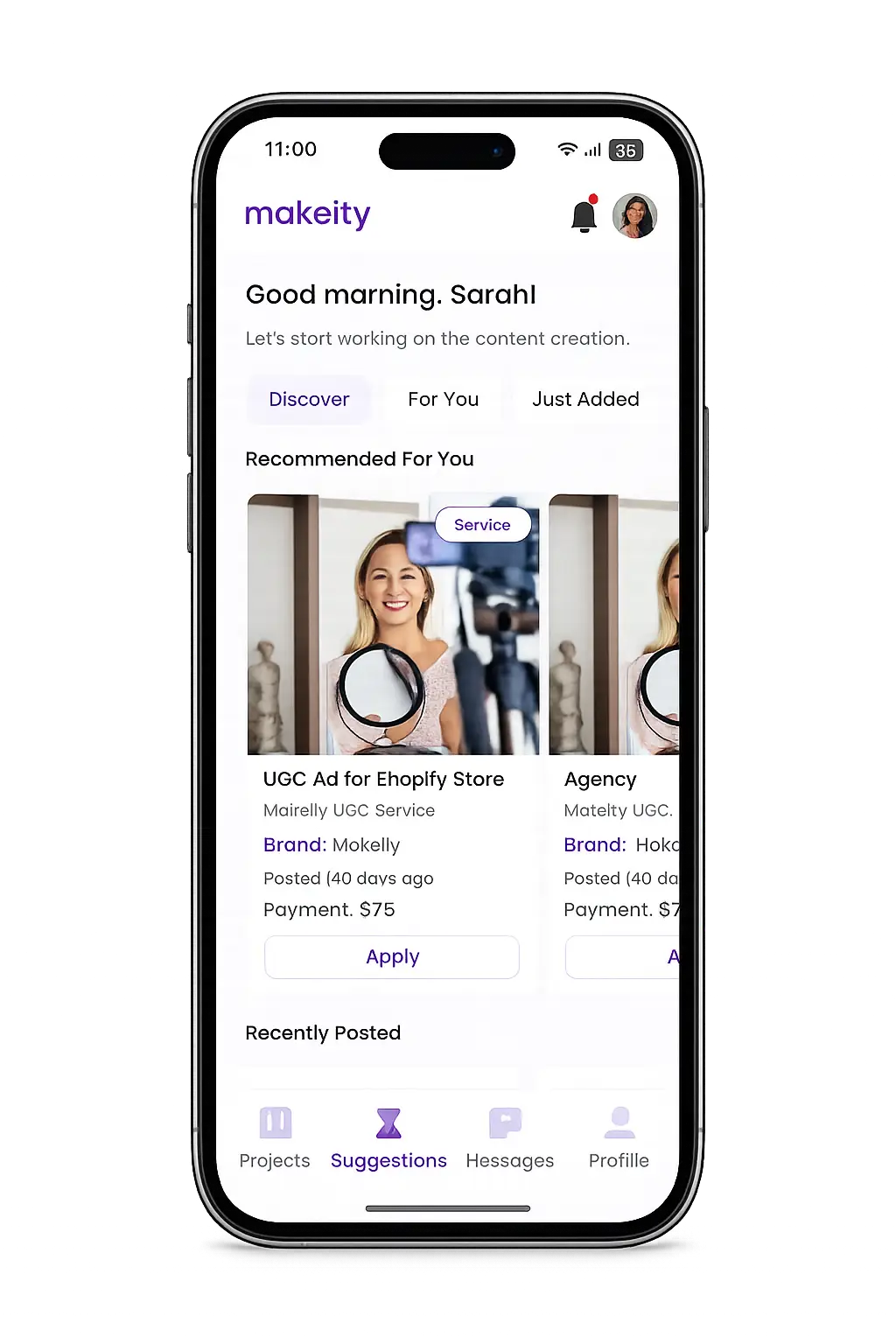
Create From Anywhere
Manage your creator account from the Makeity app
Discover new projects, communicate with businesses, upload content, track your orders and manage everything directly from your phone.


Still need help with your account or project?
Contact the Makeity support team and include your account email, order number and a clear explanation of the issue.

Helping brands create authentic content through trusted creators worldwide.
Makeity connects businesses with content creators around the world for authentic, high-quality user-generated content.
Creator Support
Makeity
Legal
© 2026 Makeity®. All rights reserved.