

Why haven't I received my payout yet?
Learn why your Makeity payout may be delayed, how to check your project, PayPal, identity, and tax verification status, and when to contact Support.
Why Haven't I Received My Payout Yet?
Your payout may still be pending because the project is not yet eligible, the current payout cycle has not arrived, or one of your payment, identity, PayPal, or tax requirements is incomplete.
Makeity processes eligible creator payouts on the 15th and the 30th of each month through PayPal only.
Most Common Reasons for a Delayed Payout
Review these requirements before contacting Makeity Support.
- The content has not yet been approved
- A requested revision is still incomplete
- The order has not yet been marked as completed
- The next payout date has not arrived
- The current payout cycle was already prepared
- Your PayPal account or email address is incorrect
- Your PayPal ownership verification is incomplete
- Your identity document has not been approved
- Your required tax form is missing or incomplete
- Your payout is undergoing an additional review
Check These Possible Reasons
Your submitted content may still be waiting for business approval.
A requested revision must be completed before the order can move toward payment.
Eligible payouts are processed only on the 15th and 30th of each month.
Your project may have become eligible after the current payment cycle was prepared.
Your PayPal email may be incorrect, inactive, or unable to receive payments.
Makeity may still need confirmation that the PayPal account belongs to you.
Your government-issued identity document may be missing, unclear, or awaiting review.
Your applicable U.S. or non-U.S. tax form may not yet be complete.
Confirm That the Project Was Approved
Your payout cannot be processed while the content is still under review or while a revision request remains open.
Check that:
- All required content was uploaded
- The content was submitted through the official Makeity order
- Any requested revision was completed
- The business approved the final content
- The order is marked as completed
Check the Next Payout Date
Makeity processes eligible payouts twice each month: on the 15th and the 30th.
Your payout normally enters the next available cycle after the project and all verification requirements become complete.
Verify Your PayPal Details
Makeity currently sends creator payouts through PayPal only.
Confirm that:
- Your PayPal email address is entered correctly
- The PayPal account is active
- The account can receive payments
- The account belongs to you
- Your PayPal name matches your legal information
- Your PayPal ownership verification is complete
Incorrect PayPal Information
An incorrect or inactive PayPal account may cause the payout to be delayed, returned, or rejected.
Complete Identity Verification
Before receiving payment, you must submit a valid government-issued identity document.
Your document should be:
- Valid and not expired
- Clear and fully visible
- Uploaded in good lighting
- Issued in your legal name
- Consistent with your Makeity and PayPal details
Submit the Required Tax Form
Creators must complete the applicable tax form before receiving payouts.
- U.S. citizens and other U.S. taxpayers must complete the form provided for U.S. persons.
- Creators outside the United States must complete the applicable non-U.S. tax form.
Check Whether PayPal Is Holding the Payment
After Makeity sends the payout, PayPal may apply its own processing time, currency review, security check, or temporary hold.
Check your PayPal account for:
- A pending payment notification
- A request to verify your PayPal account
- A currency acceptance request
- A security or compliance review
- A temporary payment hold
- A returned or rejected transaction
Payout Status Checklist
Confirm every item below before reporting a missing payout.
The business approved all required project deliverables.
The Makeity order is marked as completed and payment eligible.
The applicable 15th or 30th payment cycle has already occurred.
Your PayPal email is correct and the account can receive payments.
Your government-issued identity document was accepted.
The correct tax form for your status has been completed.
When Should I Contact Makeity Support?
Contact Makeity Support when all payout requirements are complete, the expected payment date has passed, and no payment or PayPal notification appears.
Include the following information:
- Your full name
- Your Makeity account email address
- The relevant order number
- The expected payout date
- Your PayPal email address
- A screenshot of your project status
- A screenshot of your PayPal activity, when relevant
- A short explanation of the issue
Suggested message
Frequently Asked Questions
When does Makeity process creator payouts?
Makeity processes eligible creator payouts on the 15th and the 30th of each month.
Why was I not included in the latest payout cycle?
Your project or verification requirements may have become complete after the payout cycle was already prepared.
Can I receive payment before the business approves my content?
No. The content must be approved and the project must become eligible before payment can be processed.
Can an incomplete revision delay my payout?
Yes. A requested revision must be completed and approved before the order can move toward payment.
Can an incorrect PayPal email delay payment?
Yes. An incorrect PayPal email may cause the payment to fail, be returned, or be sent to the wrong account.
Do I need to verify that the PayPal account belongs to me?
Yes. Makeity may require PayPal account ownership verification before processing a payout.
Do I need to upload an identity document?
Yes. A valid government-issued identity document is required before receiving payment.
Do I need to submit a tax form?
Yes. U.S. creators and non-U.S. creators must complete the applicable tax form for their status.
Can PayPal hold my payment?
Yes. PayPal may apply its own processing times, security checks, currency reviews, or temporary holds.
Can I receive my payout by bank transfer instead?
Not currently. Makeity presently sends creator payouts through PayPal only.
What happens if a payout date falls on a weekend?
Processing may continue on the next available business day when the 15th or 30th falls on a weekend, holiday, or non-business day.
Who should I contact if everything is complete?
Contact Makeity Support and include your account email, order number, expected payout date, PayPal email, and relevant screenshots.
Review Your Payout Status
Confirm that your project is approved, your PayPal account is verified, your identity and tax documents are complete, and the applicable payout date has passed.
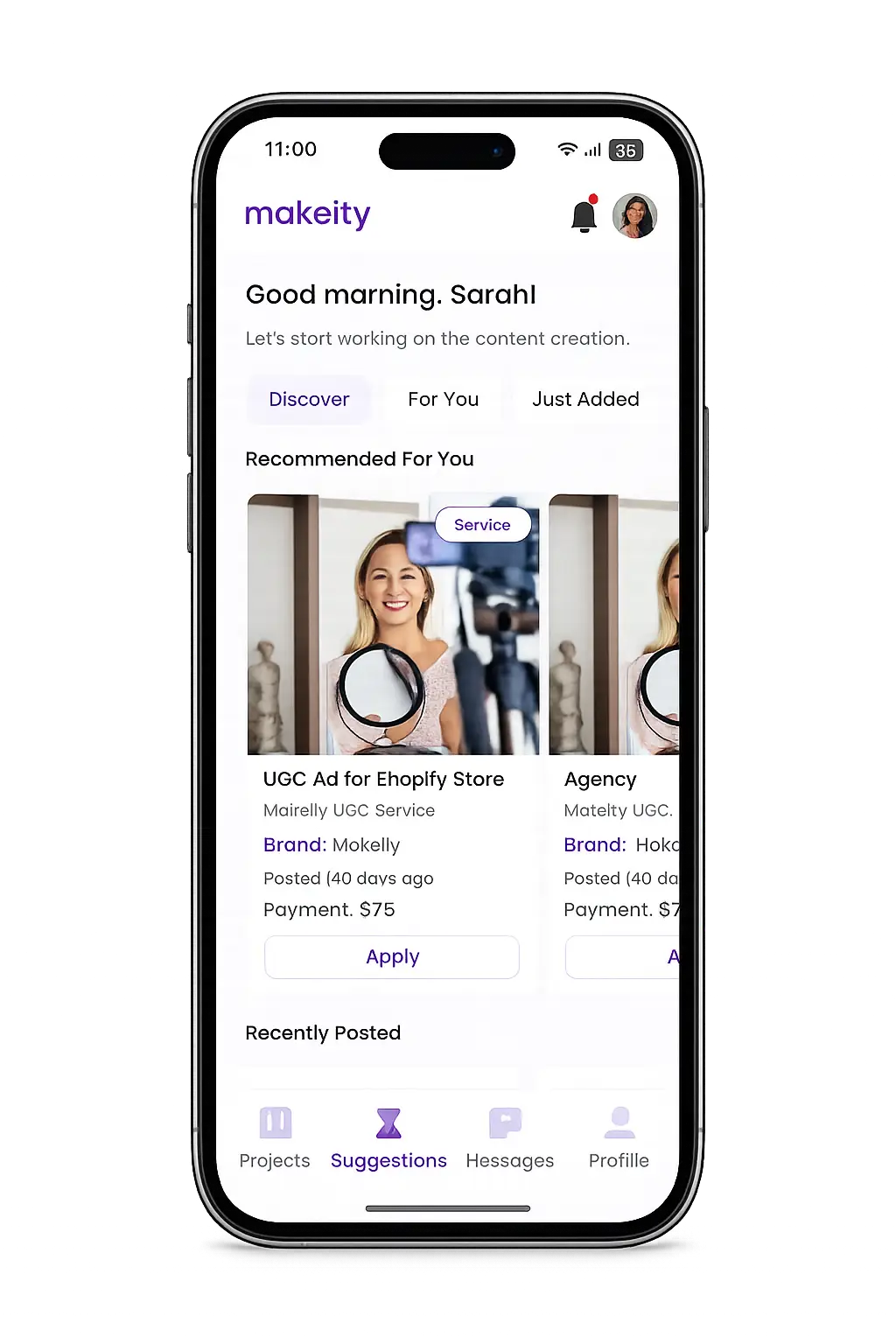
Create From Anywhere
Manage your creator account from the Makeity app
Discover new projects, communicate with businesses, upload content, track your orders and manage everything directly from your phone.


Still need help with your account or project?
Contact the Makeity support team and include your account email, order number and a clear explanation of the issue.

Helping brands create authentic content through trusted creators worldwide.
Makeity connects businesses with content creators around the world for authentic, high-quality user-generated content.
Creator Support
Makeity
Legal
© 2026 Makeity®. All rights reserved.