

What documents do I need before receiving payments?
Learn which documents you need before receiving your first Makeity payout, including identity verification, PayPal verification, and the correct tax form.
What Documents Do I Need Before Receiving Payments?
Before Makeity can process your first creator payout, you must complete the required PayPal, identity, and tax verification steps.
Makeity currently sends creator payouts through PayPal only. Your submitted information must be complete, valid, and consistent before a payment can be approved.
Incomplete Documents Can Delay Your Payout
Makeity cannot process your payout until all required documents have been submitted, reviewed, and approved.
What You Must Complete
Before receiving creator payments, you must generally complete all of the following requirements:
- Add a valid PayPal account
- Upload proof that the PayPal account belongs to you
- Upload Form W-9 if you are a U.S. person
- Upload Form W-8BEN if you are a non-U.S. individual
- Upload a valid government-issued identity document
- Make sure your legal information matches across all documents
Required Documents at a Glance
Upload a valid government-issued photo ID, such as a passport, national identity card, or driver’s license.
Upload Form W-9 if you are a U.S. person, or Form W-8BEN if you are a non-U.S. individual creator.
Add the correct email address connected to the PayPal account where you want to receive creator payouts.
Upload a screenshot showing the name and email address connected to your PayPal account.
Upload a Valid Identity Document
You must upload a valid government-issued document that confirms your identity.
Accepted documents may include:
- Passport
- National identity card
- Driver’s license
- Another government-issued photo ID accepted by Makeity
Your identity document must be:
- Valid and not expired
- Clear and easy to read
- Fully visible, including all document edges
- Uploaded in good lighting
- Free from blur, glare, or hidden information
- Issued in your legal name
Add Your PayPal Account
Makeity currently processes creator payouts through PayPal only.
Add the email address connected to the PayPal account where you want to receive your payments.
Before submitting your PayPal details, confirm that:
- The email address is entered correctly
- The PayPal account is active
- The account can receive payments
- The PayPal account belongs to you
- The account holder information is accurate
Check Your PayPal Email Carefully
An incorrect PayPal email address may cause your payout to be delayed, returned, or sent to the wrong account.
Complete the Correct Tax Form
Before receiving creator payouts, you must complete and upload the tax form that applies to your status.
U.S. citizens, U.S. residents, and other U.S. persons must complete and upload Form W-9.
Individual creators who are not U.S. persons must complete and upload Form W-8BEN.
Use the Correct Form
U.S. persons should upload Form W-9. Non-U.S. individual creators should upload Form W-8BEN. Uploading the wrong form, an unsigned form, or an incomplete form may delay your payout.
Complete Payment Verification
Before your first payout, Makeity requires verification that the PayPal account belongs to you.
Upload a screenshot from your PayPal account showing:
- Your PayPal account name
- Your PayPal email address
- The account belongs to you
✓ Account holder name visible
✓ PayPal email visible
✓ Screenshot taken directly from PayPal
✓ No editing or image manipulation
Make Sure Everything Matches
The information across all submitted documents should be consistent.
Check that the following matches:
- Your legal name
- Your identity document
- Your PayPal account
- Your tax form
- Your Makeity profile information
Mismatched Information Can Delay Payment
If different names or personal information appear on your submitted documents, Makeity may request additional verification before processing your payout.
Wait for Verification
After uploading your documents, Makeity reviews the submitted information before enabling payouts.
During this review we verify:
- Your identity
- Your PayPal ownership
- Your tax documentation
- The consistency of your submitted information
Verification Checklist
Before expecting your first payout, make sure all of these items are complete.
A valid government-issued photo ID has been uploaded.
You uploaded Form W-9 or Form W-8BEN, depending on your status.
Your PayPal email address is correct.
A PayPal screenshot showing your name and email has been uploaded.
All submitted information is consistent.
Your account has completed payout verification.
Common Reasons Documents Are Rejected
To keep payouts secure and compliant, Makeity reviews every submitted document. If any required information is missing or cannot be verified, you'll be asked to submit updated documents.
The most common reasons include:
- The identity document is expired.
- The uploaded image is blurry or too dark.
- Part of the document is cut off.
- The document cannot be read clearly.
- The PayPal screenshot does not show the account holder's name.
- The PayPal email address is not visible.
- The PayPal account belongs to someone else.
- The wrong tax form was uploaded.
- The tax form is unsigned or incomplete.
- Your legal information does not match across documents.
What Happens After My Documents Are Approved?
Once all required verification steps have been successfully completed, your account becomes eligible to receive creator payouts.
Your payment will then be processed during the next available payout cycle, provided your project has also been completed and approved.
When Should I Contact Makeity Support?
Contact Makeity Support if:
- Your documents remain under review for an unusually long time.
- Your documents were rejected and you do not understand why.
- You are unable to upload one of the required documents.
- Your PayPal account has changed.
- Your legal name has changed.
- You accidentally uploaded the wrong document.
Suggested message
I have completed my payout verification and uploaded all required documents. Could you please review my account and let me know if any additional information is needed before I can receive creator payouts?
Thank you.
Frequently Asked Questions
Do I need to upload documents before my first payout?
Yes. All required verification documents must be approved before Makeity can process your first payout.
Which identity documents are accepted?
A passport, national identity card, driver's license, or another valid government-issued photo ID accepted by Makeity.
Which tax form should I upload?
Upload Form W-9 if you are a U.S. person, or Form W-8BEN if you are a non-U.S. individual.
Do I need to sign my tax form?
Yes. Unsigned or incomplete tax forms may be rejected and delay your payout.
Can I use someone else's PayPal account?
No. Your PayPal account should belong to you and match the information on your Makeity account.
What should my PayPal screenshot include?
Your account holder name and PayPal email address should be clearly visible.
Can I hide my PayPal balance?
Yes. Your balance and recent transactions may be hidden. Only the account owner information needs to be visible.
Why was my document rejected?
Documents may be rejected because they are expired, unclear, incomplete, edited, or contain information that does not match your account.
Can I update my PayPal account later?
Yes. If you change your PayPal account, you may be asked to complete the verification process again.
Will my documents be reviewed before payment?
Yes. All submitted documents are reviewed before payouts are enabled.
Will my payout be delayed if verification is incomplete?
Yes. Your payout cannot be processed until all required verification has been completed successfully.
Who should I contact if I need help?
Contact Makeity Support and include your account email together with a brief description of the issue.
Complete Your Verification
Upload your identity document, the correct tax form, your PayPal information, and payment verification to prepare your account for creator payouts.
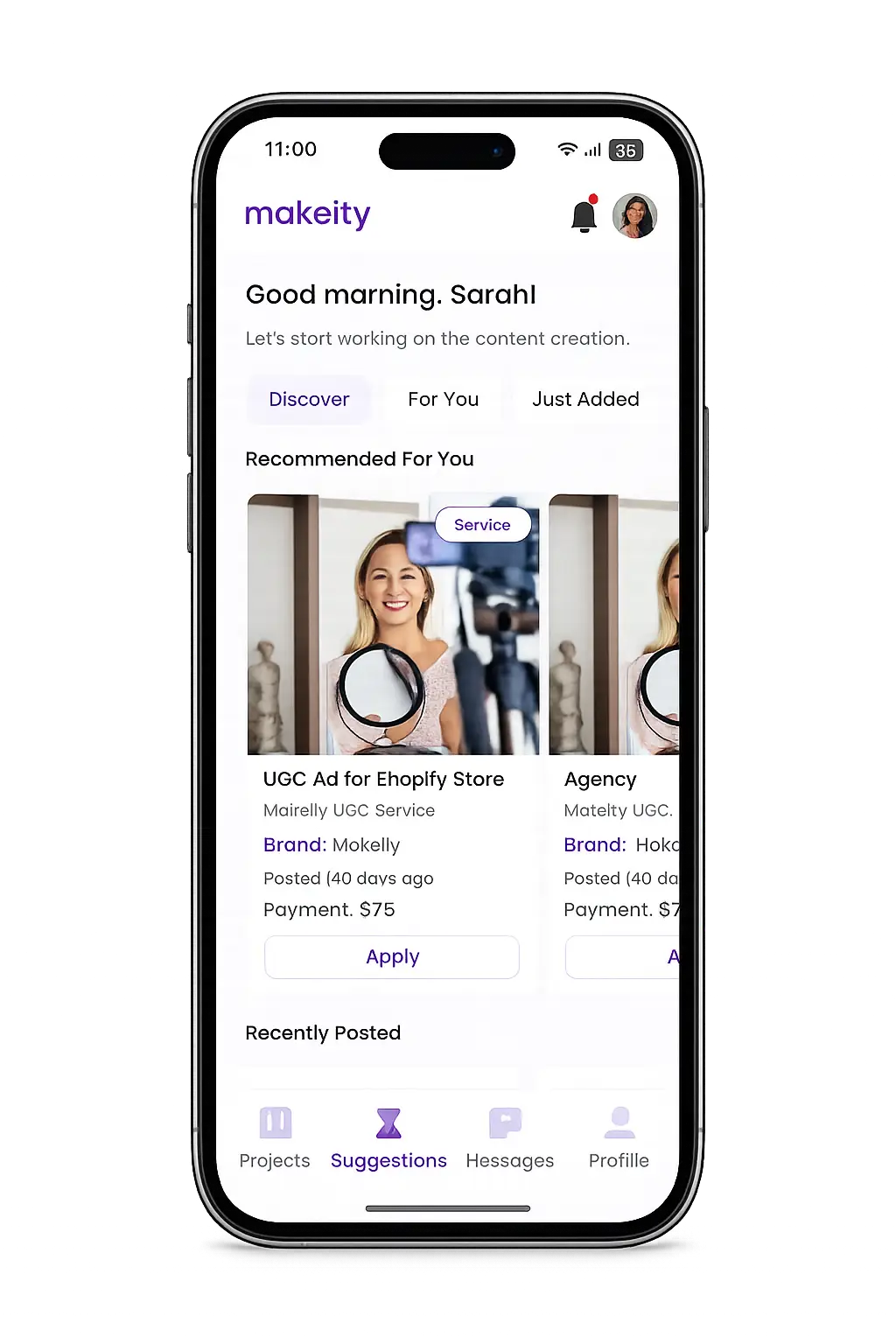
Create From Anywhere
Manage your creator account from the Makeity app
Discover new projects, communicate with businesses, upload content, track your orders and manage everything directly from your phone.


Still need help with your account or project?
Contact the Makeity support team and include your account email, order number and a clear explanation of the issue.

Helping brands create authentic content through trusted creators worldwide.
Makeity connects businesses with content creators around the world for authentic, high-quality user-generated content.
Creator Support
Makeity
Legal
© 2026 Makeity®. All rights reserved.