

Deadlines
Learn how project deadlines work on Makeity, when your countdown begins, how to deliver on time, and what happens if you miss a deadline.
Understanding Project Deadlines
Every Makeity order includes a delivery deadline. This is the date by which you must upload the required content for the business to review.
Meeting deadlines is an important part of maintaining a strong creator profile and building trust with businesses.
- Review the deadline before accepting an order
- Understand when the countdown begins
- Plan filming and editing in advance
- Upload your content before the deadline
- Communicate early if a problem may cause a delay
Review the Deadline Before Accepting
Before accepting an order, carefully check the project timeline and confirm that you are available to complete the content on time.
Review:
- The required delivery date
- The number of videos or photos requested
- The requested video length
- Whether editing is required
- Whether a physical product must arrive first
- Any additional project requirements
When Does the Deadline Begin?
The deadline depends on the type of project and the order status shown inside Makeity.
For digital products, apps or service-based projects, the countdown may begin after you accept the order and receive all required materials.
For physical-product projects, the creation period generally begins after the product has arrived, unless different instructions appear in the order.
Plan Your Work
Do not wait until the final day to begin filming. Create a simple plan as soon as the order becomes active.
A recommended schedule may include:
- Day 1: Review the brief and prepare your script
- Day 2: Prepare the location, product and equipment
- Day 3: Film the content
- Day 4: Edit and review the files
- Day 5: Upload the content before the deadline
Prepare Before Filming
Delays often happen because creators begin filming before fully understanding the project brief.
Before recording, confirm:
- The required content style
- The main talking points
- The requested video format
- The required language
- The product features that must appear
- Whether raw or edited content is required
- Any words, claims or actions that should be avoided
Upload Before the Deadline
Upload your content early enough to allow time for the upload to complete and for you to verify that the correct files were submitted.
Before submitting, check:
- The video opens and plays correctly
- The audio is clear
- The correct files are selected
- The full video was uploaded
- The required file format is used
- All requested deliverables are included
What to Do If You May Be Late
If an unexpected problem may prevent you from meeting the deadline, contact the business through Makeity as soon as possible.
Explain:
- Why the delay may occur
- What work has already been completed
- How much additional time you need
- Your proposed new delivery date
Requesting Additional Time
A business may agree to provide additional time when there is a valid reason, but extensions are not guaranteed.
Additional time may be considered when:
- The product arrived later than expected
- The product was damaged or incorrect
- The business changed the project requirements
- Required information or materials were missing
- A serious unexpected issue prevented filming
What Happens If You Miss a Deadline?
Missing a deadline may delay the business's campaign and affect their experience on Makeity.
Late delivery may result in:
- Deadline reminder notifications
- Messages from the business or Makeity Support
- The business canceling the order
- A negative effect on your creator rating
- Fewer future project opportunities
- Temporary account restrictions or suspension
Deadline Reminders
Makeity may send reminders before and after a delivery deadline. These reminders help you keep the project on schedule.
You may receive:
- A reminder before your deadline
- A notification when the deadline has passed
- A request to upload the missing content
- A final warning if the project remains incomplete
Tips for Delivering on Time
- Check your active orders every day
- Review the full brief immediately after accepting
- Plan your filming schedule in advance
- Avoid accepting more orders than you can complete
- Prepare scripts and equipment early
- Film before the final day
- Leave time for editing and file uploads
- Check your internet connection before uploading
- Communicate quickly if anything is unclear
- Notify the business early if a delay may occur
⚠️ Important Deadline Rules
Do not mark content as delivered unless all required files have been uploaded successfully. Do not ignore deadline reminders or stop responding to the business. Repeated missed deadlines or incomplete orders may result in account suspension.
Frequently Asked Questions
When does my project deadline begin?
Follow the deadline shown inside your Makeity order. For physical products, the creation period generally begins after the product arrives, unless the order includes different instructions.
How much time do I have to deliver content?
The available time is displayed inside the order. Review the deadline before accepting and check it regularly while the project is active.
Can I request more time?
You may request additional time through Makeity, but extensions are not guaranteed. Contact the business before the current deadline and explain the reason for your request.
Does sending a message extend my deadline?
No. The deadline changes only if the business or Makeity confirms an extension.
What if the product arrives late?
Update the business through Makeity and follow the deadline displayed in the order. If the date has not been updated, contact Makeity Support.
What if the business has not answered my question?
Send your question as early as possible and continue preparing any part of the project that does not depend on the answer. Contact Makeity Support if the missing information prevents you from completing the order.
What happens if my upload fails?
Try uploading again immediately and check your internet connection and file format. If the issue continues, contact Makeity Support before the deadline and include a screenshot of the error.
Will a late delivery affect my account?
It may. Repeated late deliveries, missed deadlines or lack of communication may affect your creator rating, future opportunities or account status.
Can the business cancel the order if I am late?
Yes. If content is not delivered and you do not communicate, the business may request cancellation or select another creator.
Should I deliver early?
Yes. Uploading early gives you time to correct technical problems and demonstrates reliability to the business.
Check Your Active Deadlines
Open your Makeity account to review your active orders, upcoming deadlines and content that still needs to be uploaded.
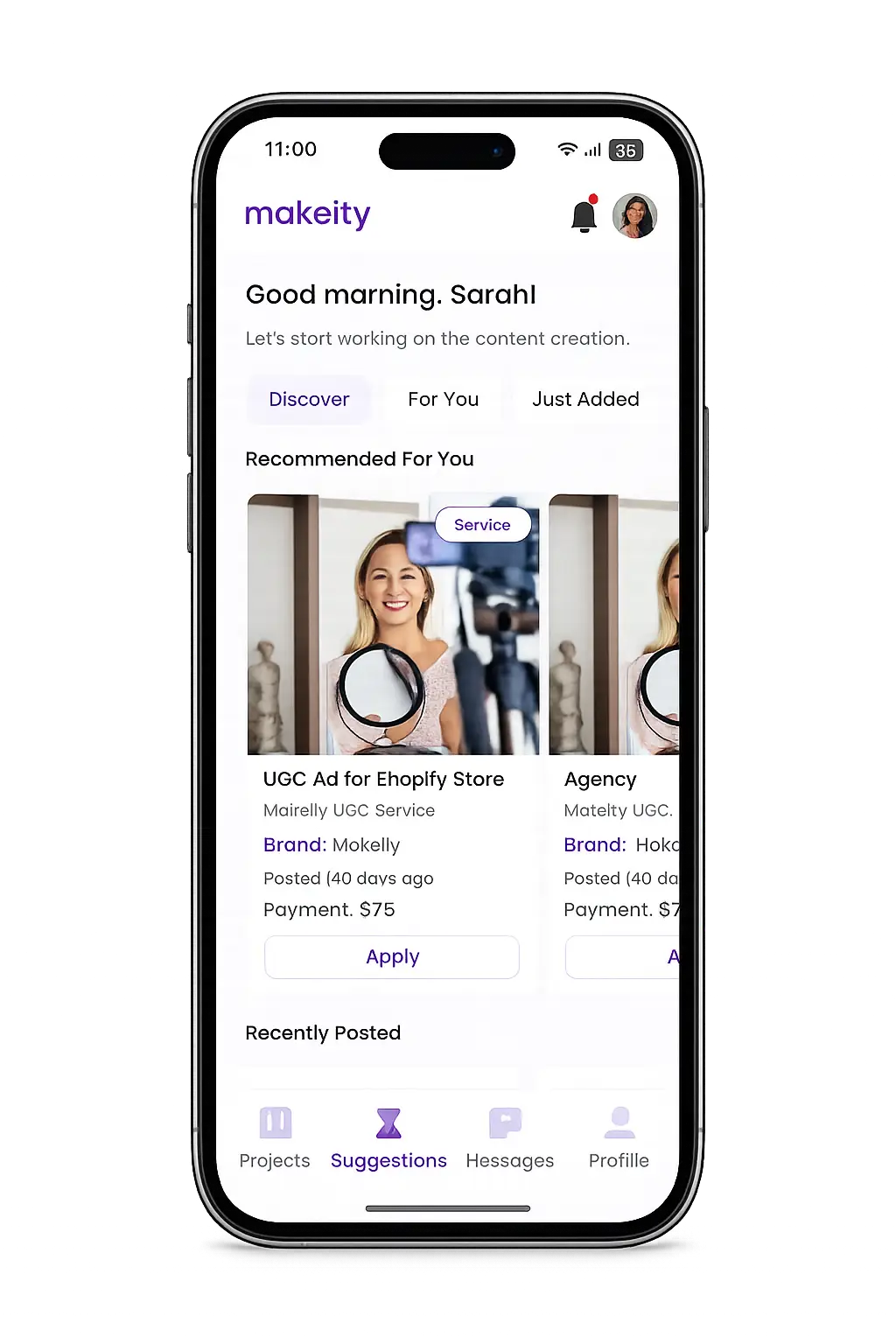
Create From Anywhere
Manage your creator account from the Makeity app
Discover new projects, communicate with businesses, upload content, track your orders and manage everything directly from your phone.


Still need help with your account or project?
Contact the Makeity support team and include your account email, order number and a clear explanation of the issue.

Helping brands create authentic content through trusted creators worldwide.
Makeity connects businesses with content creators around the world for authentic, high-quality user-generated content.
Creator Support
Makeity
Legal
© 2026 Makeity®. All rights reserved.