

How to Become a Premium Creator
Learn how to meet the Premium Creator requirements, improve your ratings and delivery performance, and unlock higher payouts on Makeity.
How to Become a Premium Creator
Premium Creators are trusted Makeity creators who consistently deliver high-quality content, meet project deadlines, and receive excellent ratings from businesses.
You do not need to submit a separate application. Once you meet all the required performance criteria, a Premium Creator offer will automatically become available in the Offers section of your Makeity account.
Premium Creator Requirements
You’ll unlock a Premium Creator offer in your Offers section once you meet all four requirements:
What Is a Premium Creator?
A Premium Creator is a creator who has built a reliable performance history on Makeity.
Premium Creators consistently produce high-quality content, communicate professionally, meet deadlines, and maintain excellent ratings from businesses.
Premium Creator Benefits
Earn higher creator payouts on eligible Premium projects and orders.
Show businesses that you have a strong record of quality and reliability.
Become eligible for additional opportunities that may be available to experienced creators.
Help businesses feel more confident when considering you for a project.
Get 10 Videos Approved
You must successfully complete enough Makeity projects to receive approval for at least 10 videos.
An approved video is content that was submitted through an active Makeity order and accepted by the business.
To improve your approval rate:
- Read the entire project brief before filming
- Follow every required talking point
- Use clear lighting and audio
- Upload the correct video format
- Include all requested deliverables
- Review the video before submitting it
Receive at Least 5 Ratings
You need ratings from at least five completed business orders before you can unlock the Premium offer.
Businesses may consider:
- The quality of your submitted content
- How closely you followed the brief
- Your communication and professionalism
- Whether you delivered on time
- How you handled requested revisions
Maintain an Average Rating of 4.7 or Higher
Your average creator rating must remain at least 4.7 out of 5.
To maintain a strong rating:
- Accept only projects that match your skills
- Follow the complete brief
- Communicate clearly and respectfully
- Deliver high-quality content
- Respond quickly to revision requests
- Avoid unnecessary cancellations
Keep a 90% or Higher On-Time Delivery Rate
At least 90% of your accepted orders must be delivered by the deadline shown inside Makeity.
To protect your on-time delivery rate:
- Check the deadline before accepting an order
- Begin preparing your content early
- Do not wait until the last day to film
- Leave enough time for editing and uploading
- Check that the uploaded file plays correctly
- Communicate early if an unexpected issue occurs
Check Your Offers Section
Once you meet all four requirements, Makeity will unlock a Premium Creator offer inside your account.
Open the offer and carefully review the available terms and instructions.
Why Is the Premium Offer Not Available Yet?
The offer becomes available only after all eligibility requirements have been met.
Common reasons it may not appear include:
- You have fewer than 10 approved videos
- You have received fewer than 5 ratings
- Your average rating is below 4.7
- Your on-time delivery rate is below 90%
- A recent order is still waiting for approval
- A recent rating has not yet been added
- Your creator account is not currently active or approved
Can Premium Creator Status Be Lost?
Premium Creator status is connected to the quality and reliability of your performance on Makeity.
Your status or access to Premium benefits may be affected by:
- A lower average rating
- Repeated late deliveries
- Frequent order cancellations
- Incomplete or low-quality submissions
- Unprofessional communication
- Violations of Makeity policies
- Account suspension or inactivity
Tips to Reach Premium Status Faster
- Apply only for projects that genuinely match your profile
- Review every brief carefully before accepting
- Deliver content before the deadline whenever possible
- Use clear lighting, audio, and stable framing
- Respond quickly to business messages
- Handle revision requests professionally
- Check every file before submitting it
- Avoid unnecessary cancellations
- Maintain consistent quality across every order
- Keep your creator profile and samples updated
⚠️ Important
Premium Creator status cannot be purchased or unlocked by creating duplicate accounts, submitting fake ratings, or completing projects outside Makeity. Attempts to manipulate ratings, approvals, or delivery data may result in account suspension or removal.
Frequently Asked Questions
What is a Premium Creator?
A Premium Creator is a trusted creator who consistently delivers high-quality content, meets deadlines, and maintains excellent ratings. Premium Creators receive higher payouts on eligible orders.
How can I become a Premium Creator?
Get at least 10 videos approved, receive at least 5 ratings, maintain an average rating of 4.7 or higher, and keep an on-time delivery rate of at least 90%.
Do I need to apply for Premium status?
No separate application is required. Once you meet all requirements, a Premium Creator offer will become available in your Offers section.
Do I need to pay to become a Premium Creator?
Premium eligibility is based on your creator performance and the offer shown inside your Makeity account. Review the specific offer terms when it becomes available.
What counts as an approved video?
An approved video is content submitted through a Makeity order and accepted by the business as meeting the project requirements.
Do I need exactly five ratings?
You need at least five ratings. Receiving more ratings can continue to affect your overall average.
What if my rating is below 4.7?
Continue completing projects professionally and receiving strong ratings. The Premium offer can become available after your average meets the required level.
How is my on-time delivery rate calculated?
It is based on whether your accepted projects were delivered by the deadlines recorded inside Makeity.
Why do I meet the requirements but still see no offer?
A recently completed order, approval, rating, or delivery record may still be processing. Check again after your account data has been updated.
Will Premium Creators earn more?
Yes. Premium Creators receive higher payouts on eligible Makeity orders and opportunities.
Can I lose my Premium Creator status?
Your status may be affected if your ratings or on-time delivery rate decline, or if your account no longer meets Makeity’s quality, reliability, or policy requirements.
Can Makeity manually make me Premium?
Premium eligibility is based on the requirements and offer available inside your account. Continue completing orders and meeting all listed performance conditions.
Track Your Progress
Open your Makeity account to review your completed projects, ratings, delivery performance, and available creator offers.
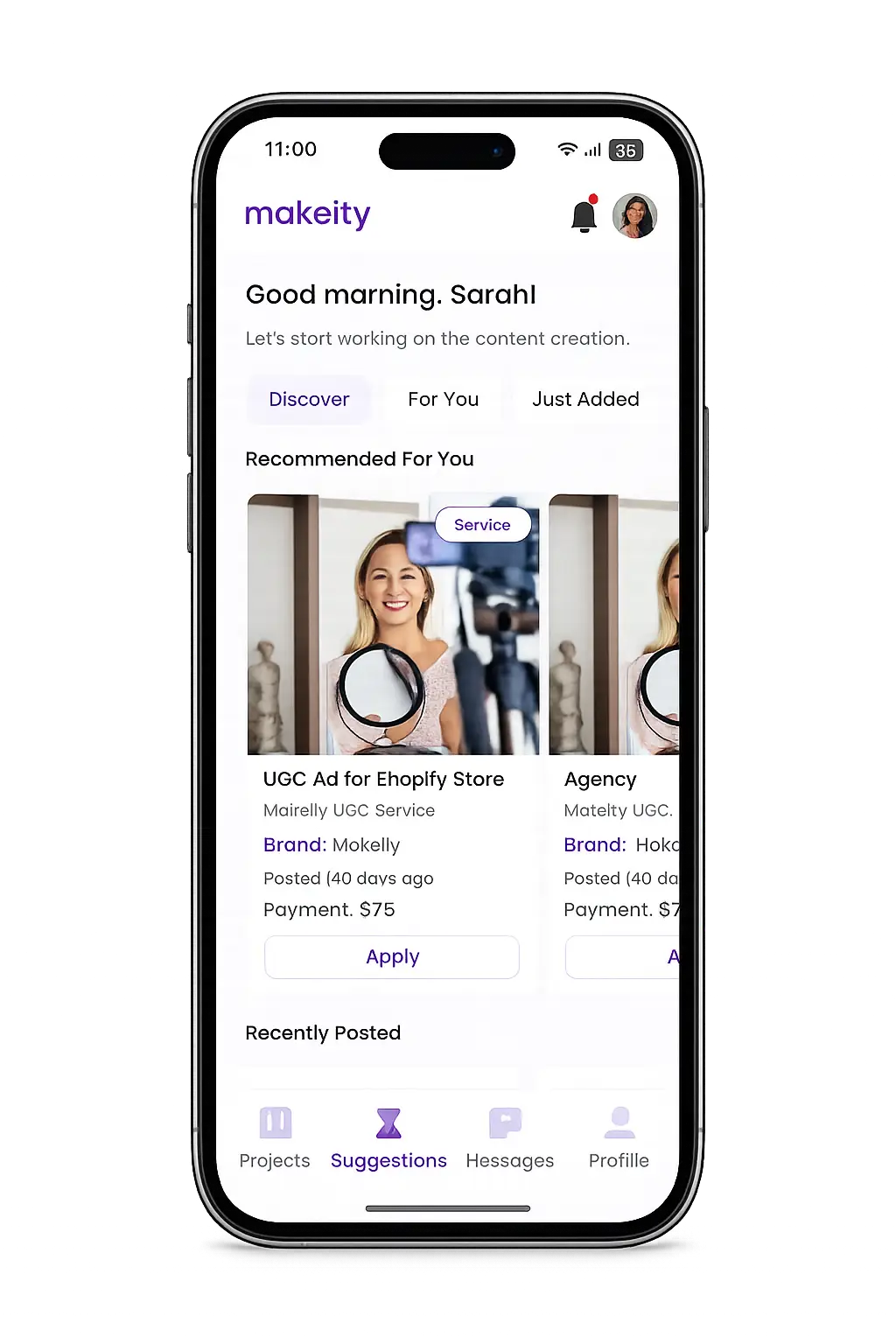
Create From Anywhere
Manage your creator account from the Makeity app
Discover new projects, communicate with businesses, upload content, track your orders and manage everything directly from your phone.


Still need help with your account or project?
Contact the Makeity support team and include your account email, order number and a clear explanation of the issue.

Helping brands create authentic content through trusted creators worldwide.
Makeity connects businesses with content creators around the world for authentic, high-quality user-generated content.
Creator Support
Makeity
Legal
© 2026 Makeity®. All rights reserved.