

Why is my account still under review?
Learn why your creator account is still under review, what happens during the approval process, and what you can do to speed it up.
Why Is My Account Still Under Review?
Every creator profile is reviewed before it becomes fully visible to businesses on Makeity. This helps maintain the quality, authenticity, and safety of the creator community.
If your account is still under review, it usually means that your profile is waiting for manual approval or that one or more details need additional checking.
- Your profile may still be waiting in the review queue
- Your UGC sample may require manual verification
- Some profile information may be incomplete
- Your sample video may not meet the requirements
- You may have recently changed important profile details
Understanding Your Account Status
Your profile was submitted and is waiting for the Makeity team to complete the review.
Your profile meets the requirements and can become visible to businesses.
Information or a file must be updated before your profile can be approved.
Your Profile Is Waiting for Manual Review
Creator profiles are reviewed manually. This means the Makeity team checks the information and content submitted by each creator.
The review may include:
- Your personal profile information
- Your profile and cover images
- Your UGC sample video
- Your video and audio quality
- The authenticity of your content
- Whether the profile meets Makeity requirements
Your Profile May Be Incomplete
A missing required field can prevent the team from completing your review.
Check that you have added:
- Your full name
- Your country and city
- Your languages
- A clear profile photo
- A suitable cover image
- A valid UGC sample video
- Your creator description
- Your shipping information
- Your payment details, if required
Your UGC Sample Is Still Being Checked
Your sample video is one of the most important parts of the approval process. The Makeity team may need additional time to verify that it is authentic and suitable.
The team may review:
- Whether the video was created by you
- Whether it shows real UGC skills
- The clarity of the audio
- The quality of the lighting and framing
- Your presentation and communication style
- Whether the file plays correctly
- Whether the content follows Makeity guidelines
Your Sample May Not Meet the Requirements
If the sample does not clearly demonstrate your ability to create UGC, your account may remain under review until the issue is resolved.
Samples that may cause a delay include:
- A photo uploaded instead of a video
- AI-generated content
- Stock footage
- A video created entirely by another person
- A personal video unrelated to UGC
- A very long video without a clear product presentation
- A file with missing or unclear audio
- A video that does not play correctly
- Copyrighted content used without permission
You Recently Changed Your Profile
Certain changes may return your account to review, even if it was previously approved.
This may happen after you:
- Delete your UGC sample video
- Replace your sample with a new video
- Change important personal information
- Upload new identity or verification information
- Restore a previously incomplete profile
Check Your Notifications and Email
Makeity may send you a notification or email if additional information is required.
Check:
- Your notifications inside the Makeity app
- The email address connected to your account
- Your spam or junk folder
- Any messages from Makeity Support
Make Sure Your Contact Information Is Correct
Incorrect contact information may prevent you from receiving an important review update.
Confirm that:
- Your email address is entered correctly
- Your telephone number is current
- You can access the email account you registered with
- Your inbox is not blocking Makeity messages
Avoid Repeated Changes While Under Review
Replacing files or editing several important details repeatedly may restart parts of the review process.
While waiting:
- Do not repeatedly replace your sample video
- Do not delete required profile information
- Do not create multiple creator accounts
- Do not submit another profile using a different email
- Update only information that is incorrect or specifically requested
When Should You Contact Support?
Contact Makeity Support when your profile is complete, your sample is valid, and your account has remained under review longer than expected.
Include:
- The email address connected to your Makeity account
- Your full name
- A screenshot of your current account status
- A short explanation of when you submitted your profile
- Any previous message you received about the review
What Happens After the Review?
Once the review is complete, your account status will be updated.
Your profile may be:
- Approved: Your creator profile can become visible to businesses and you can begin receiving opportunities.
- Returned for changes: You may need to update a section or upload a new UGC sample.
- Rejected: Your profile or submitted content does not currently meet Makeity requirements.
How to Avoid Review Delays
- Complete every required profile section
- Use accurate personal and contact information
- Upload a clear, authentic UGC sample
- Make sure your sample video plays correctly
- Use clear audio and good lighting
- Do not upload AI-generated or stock content
- Check your email and app notifications regularly
- Respond quickly if Makeity requests changes
- Avoid repeatedly changing files during review
- Do not create duplicate accounts
⚠️ Important
Never submit another person's content, false profile information, AI-generated creator samples, or duplicate accounts. Misleading or invalid information may result in rejection, suspension, or permanent removal from Makeity.
Frequently Asked Questions
How long does account review take?
Review times may vary depending on the number of creator applications and whether your profile is complete. Check your account and email for updates from Makeity.
Why is my profile still under review?
Your profile may still be waiting for manual review, or the Makeity team may need additional time to check your UGC sample and profile information.
Can I use Makeity while my account is under review?
Some features may be limited until your creator profile is approved. Your available options depend on the current status shown in your account.
Should I upload another sample while waiting?
Replace your sample only if the current video is invalid, incomplete, or Makeity asks you to upload a new one. Unnecessary changes may restart the review.
Can deleting my sample return my account to review?
Yes. Removing your sample may make your profile incomplete and require a new review after you upload another valid video.
Why did my approved account return to review?
This may happen after replacing or deleting your UGC sample, changing important profile details, or submitting new verification information.
Will creating another account speed up approval?
No. Duplicate accounts may create confusion and delay the review process. Continue using your original account.
How will I know when my account is approved?
Your account status will change inside Makeity, and you may also receive an app notification or email.
What should I do if Makeity requests changes?
Follow the instructions carefully, update the requested information, and resubmit your profile for review.
Can I contact support about my review?
Yes. Contact support when your profile is complete and has remained under review longer than expected. Include your account email and a screenshot of the status.
Check Your Profile Status
Open your Makeity account, review your profile, check for missing information, and look for any new review notifications.
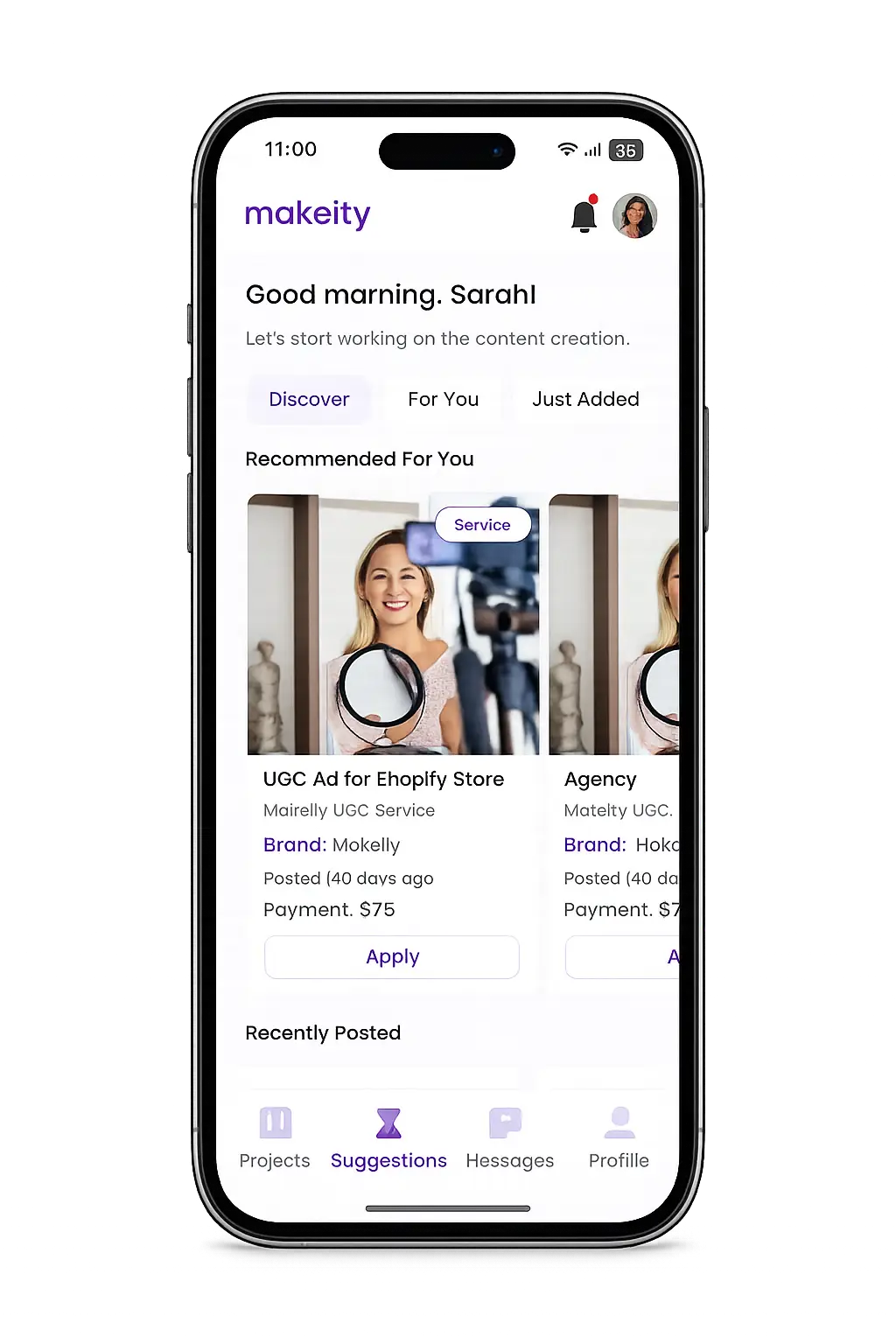
Create From Anywhere
Manage your creator account from the Makeity app
Discover new projects, communicate with businesses, upload content, track your orders and manage everything directly from your phone.


Still need help with your account or project?
Contact the Makeity support team and include your account email, order number and a clear explanation of the issue.

Helping brands create authentic content through trusted creators worldwide.
Makeity connects businesses with content creators around the world for authentic, high-quality user-generated content.
Creator Support
Makeity
Legal
© 2026 Makeity®. All rights reserved.